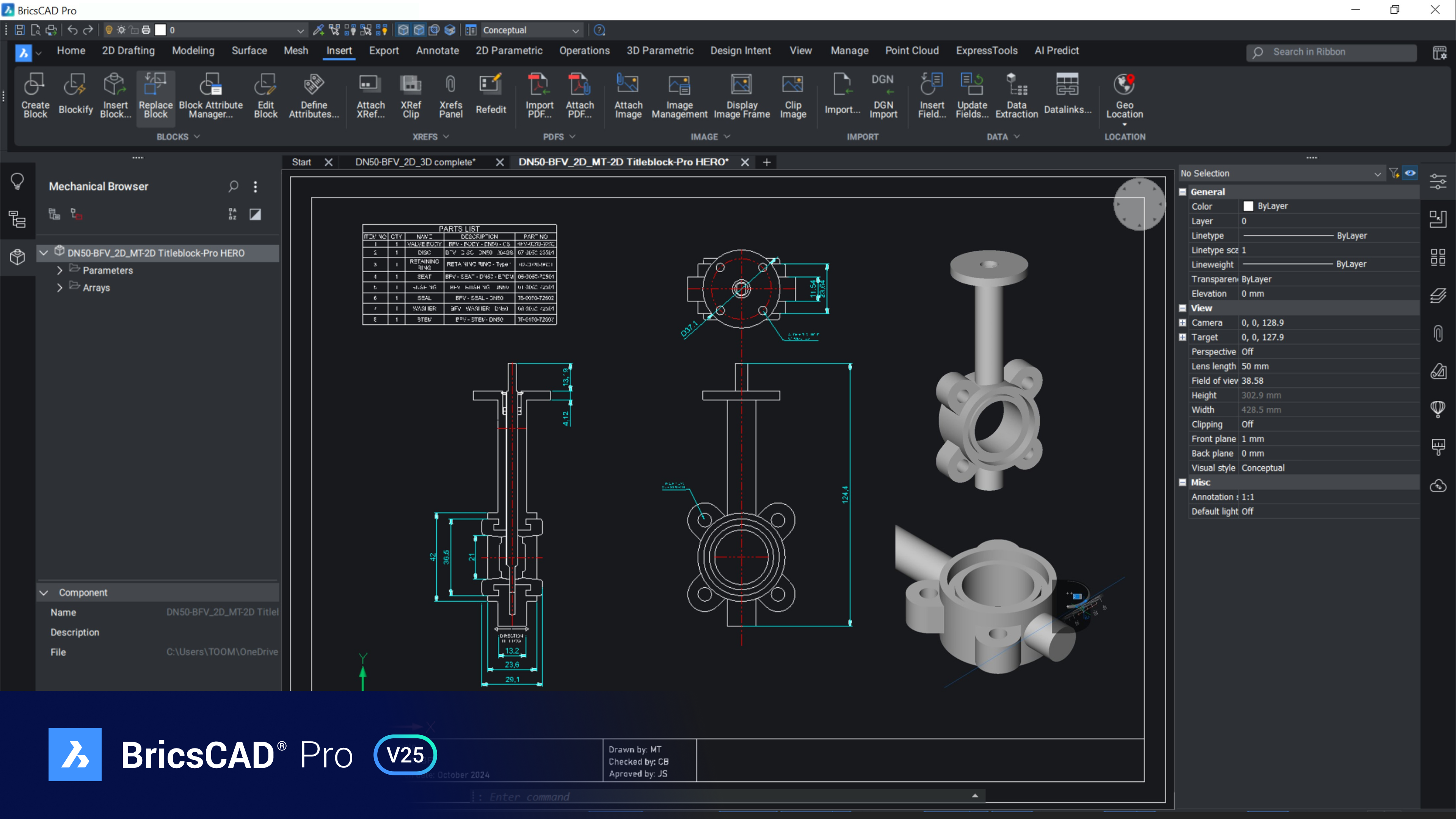
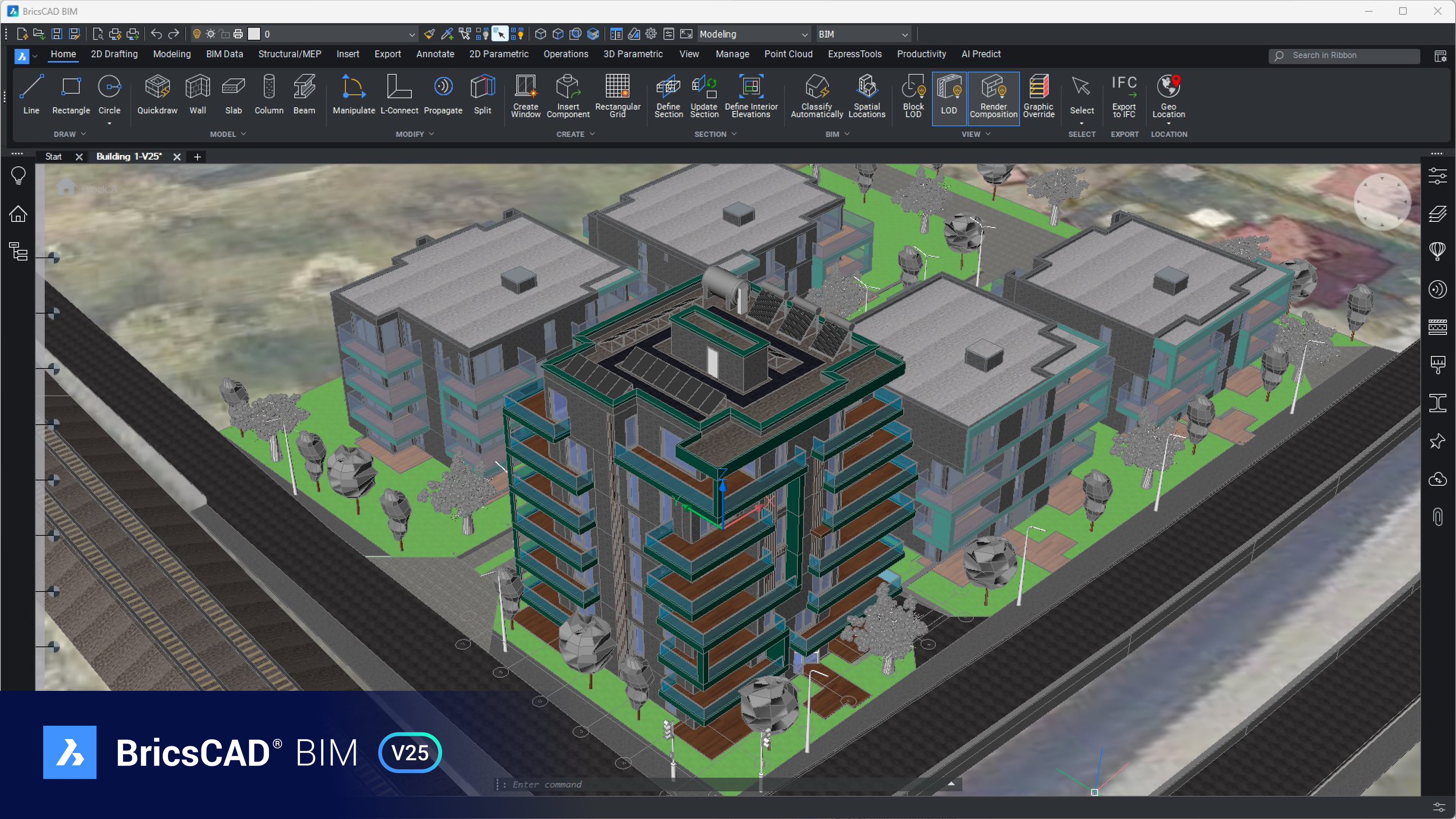
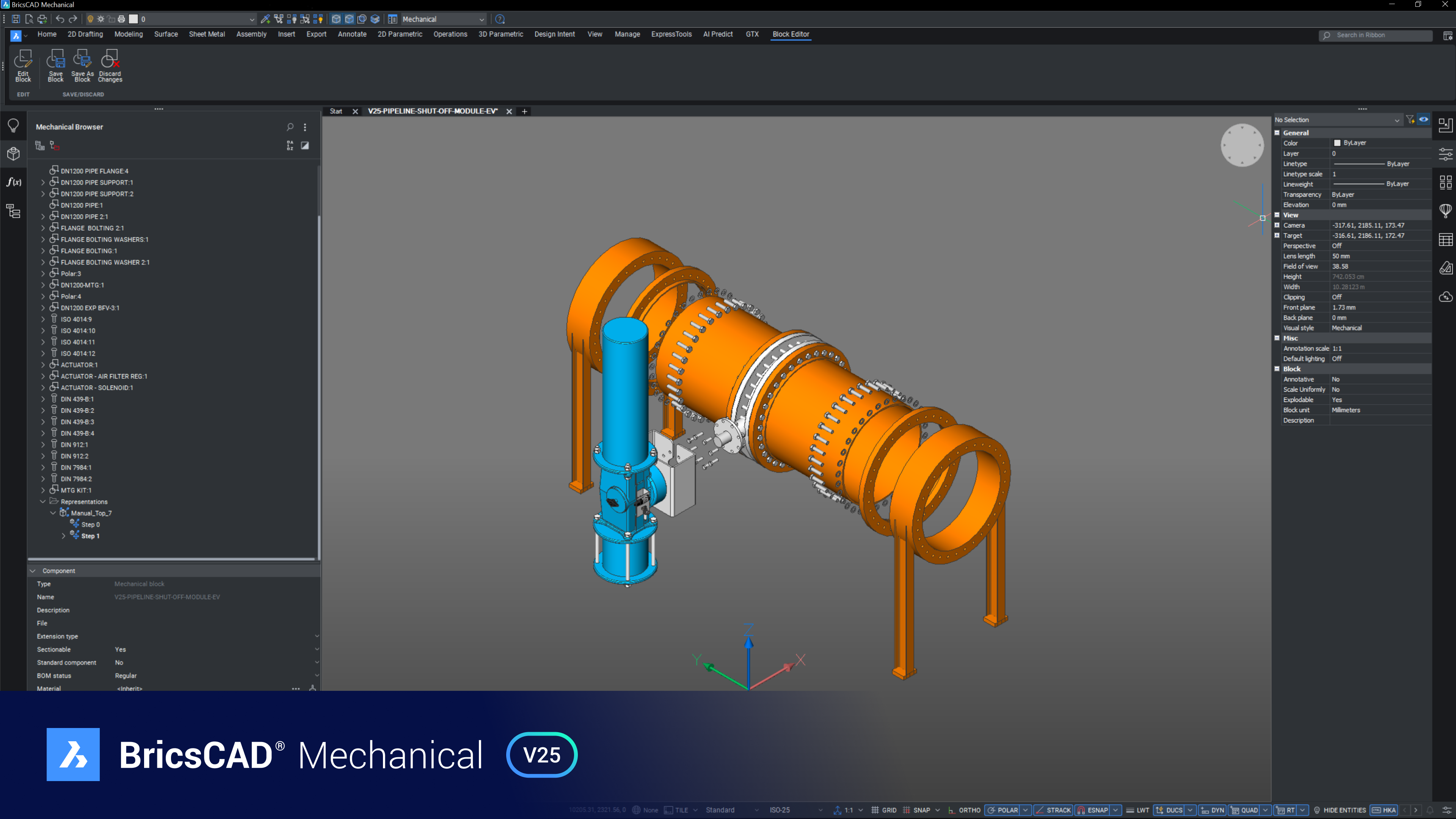
Professional CAD software Without Compromise – BricsCAD® V26
Accelerate your time to deliverables without compromising on performance, cost, licensing flexibility, or data security. BricsCAD® V26 is the latest evolution of a modern, DWG-native CAD platform enhanced with intelligent automation and AI-assisted workflows.
Why Choose BricsCAD® V26
DWG-Native & Fully Compatible
Instantly Familiar for AutoCAD® Users
AI-Assisted Intelligent CAD Tools
Automatic Customization Transfer
Flexible Licensing
High Performance Architecture
Benefits of BricsCAD® V26
BricsCAD is the modern CAD alternative built for professionals who value control, performance, and long-term cost efficiency.
- Native DWG platform for long-term data security
- One-time purchase with optional upgrades
- Lower total cost of ownership compared to subscription-only CAD tools
- Unified platform for 2D, 3D, BIM, Mechanical, and Civil workflows
One Design Platform for everyone
Design Platform
Powerful design platform
BricsCAD is a modern, high-performance DWG-based CAD platform that accelerates your 2D & 3D design and drafting workflows.
- BricsCAD downloads and installs quickly, offering familiar CAD tools that will have you working comfortably in an hour
- Innovative AI-powered features in BricsCAD can help you go from design to deliverable in record time
Available in
Lite | Pro | Mechanical | BIM | Ultimate
2D drafting
Robust 2D drafting
Quickly create the detailed drawings you need to turn your designs into reality.
- A familiar drafting experience that delivers command, script, macro, and menu compatibility with the industry-standard CAD software
- BricsCAD LISP provides familiar customization capabilities, a visual editor and the highest overall performance
Available in
Lite | Pro | Mechanical | BIM | Ultimate
3D modeling
Solid 3D Modeling
Innovative 3D modeling tools de-risk the move from 2D to 3D.
- Leverage what you already know to move from 2D to true 3D design
- BricsCAD supports push/pull Direct Modeling, feature-based modeling and high-performance parametric modeling tools, so that you can work the way you want
Available in
Pro | Mechanical | BIM | Ultimate
3D Civil & Surveying
Civil & Surveying design
BricsCAD offers innovative civil and survey tools to accelerate preliminary design work for bidding and concept development.
- Create lightweight terrain models without compromising on accuracy. With BricsCAD you can import point clouds and use our filtering tools to create an optimized TIN surface
- Foundational out-of-the-box tools for grading, volume calculations and site design
Available in
Pro | Mechanical | BIM | Ultimate
Point Clouds
Point Clouds for building
Rapidly import and process point cloud scan data, to visualize as-builts and guide 3D model creation.
- BricsCAD delivers rapid point cloud pre-processing and visualization of all standard point cloud formats
- Create hybrid representations using point cloud data with 2D and 3D CAD geometry in a single file
Available in
Pro | Mechanical | BIM | Ultimate
BIM
BIM tools in native DWG
Experience the power of professional 3D BIM tools, all within a familiar DWG-based system.
- Move to a true open BIM workflow in hours, not weeks
- Innovative AI-powered tools accelerate modeling, structural detailing, construction and fabrication processes
Available in
BIM | Ultimate
Mechanical
2D and 3D Mechanical design
Reduce time-to-market with BricsCAD’s advanced mechanical toolset, built on our familiar CAD platform.
- Powerful 2D drafting tools speed the creation of mechanical layouts, details and production drawings, all in a familiar user experience
- Import and edit virtually any 3D design without complex history limitations using the innovative direct-modeling tools
- Quickly convert 2D or 3D designs in presentations, assembly instructions, or complete and accurate production drawings
Available in
Mechanical | UltimateWhat’s New in BricsCAD® V26 – AI-Powered Productivity
BricsCAD V26 introduces deeper AI-assisted automation and workflow intelligence while preserving a familiar user interface.
Key Highlights
- AI-assisted modeling and drawing optimization for faster design decisions
- Smart geometry recognition to clean, classify, and optimize drawings
- Enhanced Drawing Health tools for superior DWG integrity
- Advanced 2D–3D hybrid workflows for efficient data reuse
- Improved performance and responsiveness on large projects
BricsCAD® Lite & BricsCAD® Pro V26
BricsCAD Lite and Pro V26 deliver powerful drafting and modeling tools for professionals who demand speed and accuracy.
New & Enhanced Capabilities
- Accelerated 2D drafting and detailing tools
- AI-assisted commands for geometry creation and cleanup
- Improved XREF handling and search tools
- Enhanced annotation, printing, and DWG interoperability
- Streamlined 3D workflows for conceptual and production modeling
BricsCAD® BIM V26 – Open BIM Made Simple
BricsCAD BIM V26 enhances open BIM workflows using AI-driven tools on a DWG-based platform.
Key BIM Features
- Intelligent 3D modeling for fast design iteration
- AI-assisted classification and BIM data management
- Seamless IFC import and export with high fidelity
- IDS XML and georeferenced IFC support
- Automated scan-to-BIM workflows for reality capture data
BricsCAD BIM provides the easiest transition from CAD to BIM without disrupting existing processes.
BricsCAD® Mechanical V26
BricsCAD Mechanical V26 accelerates manufacturing and engineering documentation using intelligent automation.
Mechanical Highlights
- Familiar AutoCAD®-style dialogs and annotations
- AI-assisted 2D mechanical drafting and symbol recognition
- Assembly Sequence and Inspection tools
- Optimized DFX workflows
- Fast and accurate 3D-to-2D documentation, including SVG output
BricsCAD® Pro V26 for Civil & Survey
BricsCAD Pro V26 expands its Civil and Survey toolset to simplify field-to-finish workflows.
Civil & Survey Capabilities
- One-click import of survey data from Leica and other sources
- Advanced labeling, tables, and curve calculation tools
- 3D strings and linear labeling
- Accurate terrain modeling with improved TIN surface smoothing
Frequently Asked Questions
Is BricsCAD compatible with AutoCAD files?
Yes. BricsCAD opens, edits, and saves DWG files natively with full compatibility.
Does BricsCAD require a subscription?
No. BricsCAD offers perpetual licenses with optional maintenance.
Does BricsCAD support AI features?
Yes. BricsCAD V26 includes AI-assisted tools for modeling, drafting, drawing health, and workflow optimization.
Can I use my existing AutoCAD customizations?
Yes. LISP, scripts, CTB/STB files, templates, and menus are supported.